
I Built The Ultimate Low-Budget Remote Workstation
How to built a low budget remote development workstation using a Raspberry Pi 5 and DDNS. Use this to work from anywhere. 💻🌍 #raspberrypi #developer #remotework This is how I keep my workflow consistent across devices. Whether I'm on a laptop, tablet, or borrowed machine, I can instantly access my own development environment with full control and all my tools. This setup is cheap, reliable, and surprisingly powerful for remote work or learning on the go. 📌 In this video, I’ll cover: The hardware & software I used (RPi 5 setup, OS, remote access tools) How I configured Dynamic DNS (DDNS) for external access Remote ssh with VS code. 👨💻 Ideal for: Developers & students on a tight budget Digital nomads Homelab & Raspberry Pi enthusiasts Anyone who wants to self-host their dev tools #coding #softwaredeveloper #lowbudget #indiehacker #workstations 👍 Like, comment, and subscribe for more dev hacks and DIY setups!
🎬 More from CyberBlueCollarBrandon

Got Hacked Running a Home Server | The Security Mistakes I Made
430 views

I Vibe Code My App On My Phone (Using AI)
295 views

I Created a Free Custom Domain Email for My Startup With No Subscription | AWS & Gmail
1.0K views

I build my SaaS in 10 days (Build in Public, No Fluff)
65.4K views
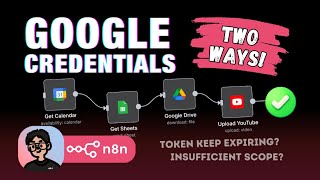
Two Ways to Setup Google Credentials in n8n – Pick the One That Works Long-Term
780 views

Making Videos with CODE+AI? My First Experience Using Remotion
13.6K views