
MX Creative Console
MX Creative Console
The MX Creative Console is what I use to keep my left hand on play/stop while my right hand works the mouse. That combo is how I blast through edits faster—especially when I’m cutting performances or moving through a long YouTube timeline. It also pairs nicely with the MX Master 4 shortcuts for a smoother workflow.
Pros
- +Keeps playback controls at your fingertips for faster editing
- +Pairs well with MX Master shortcuts for a two-hand workflow
Cons
- -Takes a little setup and learning to fully customize
What Creative Ryan says
“I've been using the Logitech MX Master 4 Mouse paired with the dial pad from the MX Creative Console for editing over the past year and a half now and it's actually made a pretty big difference”
“And if you pick up the MX Creative Console using the link in my description, you can get a complimentary 3-month Adobe Creative Cloud subscription and that's valid for both new and existing accounts”
Featured in 5 videos

I Got the Canon R6 Mark 3 + Unboxing ATL Canvas | VLOG
3K views · 2026-03-16 19:52:34
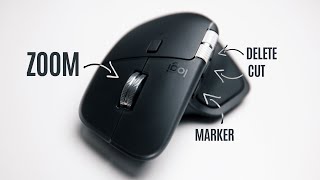
MX Master 4 - Edit Videos FASTER!
3K views · 2025-10-31 14:25:58
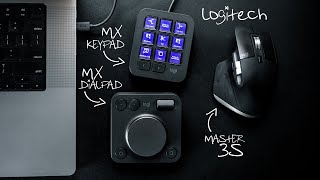
MX Creative Console UPDATES for Final Cut Pro (Button Layouts)
4K views · 2025-05-23 17:09:55

BTS Breakdown of ‘The Roadtrips You NEVER Saw’ - Structure & Editing!
2K views · 2025-03-11 19:27:56
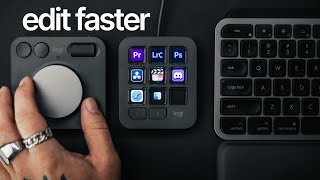
This Makes Editing 10x FASTER in Adobe Premiere Pro + Lightroom! (MX Creative Console)
40K views · 2024-09-24 18:59:31
MX Creative Console
Available on Logi
External purchase
Highlights
- +Keeps playback controls at your fingertips for faster editing
- +Pairs well with MX Master shortcuts for a two-hand workflow
Recommended by
Creative Ryan