
Reason Combinator: Creating Multipurpose Precise Controls
🛍️ Products Mentioned (1)
If you are a Reason user and you make combinators for your studio or for live performance, you have probably found that there are times when you want to limit what a knob or slider controls, or maybe you have wanted one slider or knob to control multiple components of your combinator or live rig, but have not been able to get Reason (#Reason12, #ReasonPlus) to do it. Well in this video I will explain several scenarios that you might have encountered and how to use Reason's combinator to help enhance your control over your gear or virtual synthesizers. Related Videos: Control Reason with your Hardware Controller https://www.youtube.com/watch?v=GA6wCiyoYJI Using Reason Live: https://youtu.be/IPZAXTkznd0 https://youtu.be/_OE3RZ2U7tg?si=ACFh2QmIKHdlCwV- https://www.youtube.com/watch?v=yCMad1gaS1k&t=718s If you want to support the channel you can donate on Kofi or Purchase one of my limited edition 303 merch items!! https://ko-fi.com/cap10nrgmusic
🎬 More from Cap10NRG Music
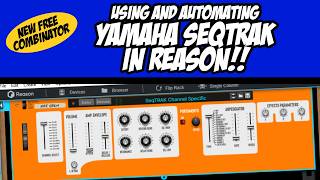
Using your Yamaha SeqTRAK as a Sound Module in Reason - Super Powerful Sequencing is Now Possible!!
158 views
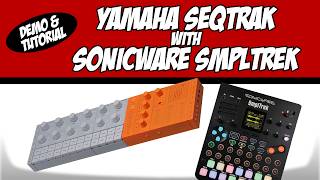
Using the Yamaha SeqTrak with the Sonicware SMPLTREK
234 views
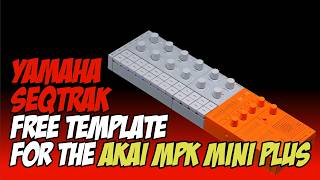
Akai MPK Mini Plus Template for the Yamaha SeqTrak
317 views
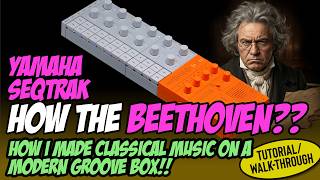
Tutorial: Recreating Beethoven's Moonlight Sonata on a SEQTrack
1.4K views
First Look and Overview: Behringer UBXa Mini
2.6K views
LIVE DJ Performance Using TWO SeqTraks Simultaneously
404 views