
HOW TO SET TIMING FOR ANY BEATS
To set timing for beats, you can follow these steps: 1. Determine the Beats Per Minute (BPM): The BPM represents the tempo or speed of the beats. You can use a metronome or a BPM counter app to find the BPM of the beats you are working with. Alternatively, you can manually count the beats within a specific time frame and calculate the BPM. 2. Use a Digital Audio Workstation (DAW): A DAW is software used for recording, editing, and producing music. Open your preferred DAW and import the beats or create a new project. 3. Set the BPM in your DAW: In your DAW, locate the BPM setting or tempo control. Enter the BPM value you determined in step 1. This will synchronize the timing of your beats with the project's tempo. to enhance the overall musical composition.
🎬 More from CP_BEATS
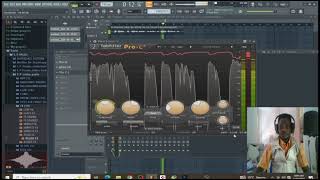
Compressing Vocal With the Fab Filter Pro-C2 Plugin
22 views
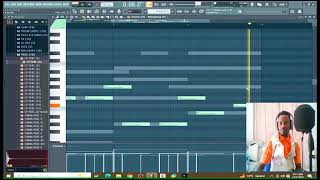
Learn How To Make Afro beat in 2026| FL STUDIO 26 TUTORIAL
33 views
“Afrobeat Type Beat 2026 – Smooth & Emotional (Prod. Cp Beats)”
28 views
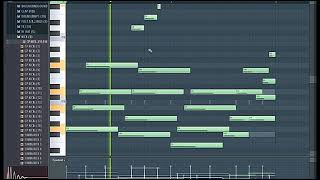
Finally here is the guitar secret you have been waiting for
32 views
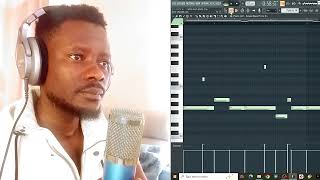
Boss Boo 2 Beats / FL studio
12 views
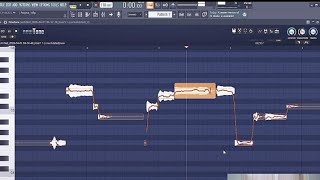
How To Use Pitch Correct in 1 minute
33 views