
ButterflyMX - How to Replace Your Old ButterflyMX Intercom
🛍️ Products Mentioned (1)
Watch this video to learn how to replace your existing ButterflyMX video intercom with our new model. To learn more about our next-generation video intercom, visit: https://butterflymx.com/blog/next-generation-video-intercom/ In this video, we first unbox the new intercom. Next, we show you how to safely remove the old ButterflyMX intercom. Lastly, we show you how to install the new ButterflyMX video intercom. Skip ahead: 00:00:12 Unboxing the new ButterflyMX video intercom 00:01:30 Removing your current intercom 00:02:52 Installing the new ButterflyMX video intercom #Butterflymx #amenityreservations #accesscontrolsystem Find us on social media: Instagram: @butterflymx_ Linkedin: linkedin.com/company/butterflymx Facebook: facebook.com/butterflymxintercom Twitter: twitter.com/_ButterflyMX
🎬 More from ButterflyMX

How PX Enterprises Uses ButterflyMX to Simplify Property Access and Secure More Leases
267.2K views

6 Apartment Marketing Ideas to Attract New Residents
41.1K views

How to Power Cycle Your Legacy ButterflyMX Video Intercom
198 views

How to Troubleshoot the 8-64 Relay ButterflyMX Elevator Control System
83 views
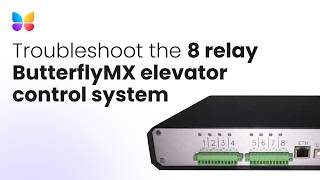
How to Troubleshoot the 8 Relay ButterflyMX Elevator Control System
60 views

How to Navigate the ButterflyMX OS
153 views