
How to Export Data from Sage 50 - Exporting to Excel (csv) #sage #accounting
🛍️ Products Mentioned (3)
Learn how to export from Sage 50 Accounts and Sage 50cloud to Microsoft Excel. Exporting is not taking a back-up, which is covered in another video. Exporting is used to then import into other accounting software (Xero, QuickBooks, etc) and/or to manipulate the data in some way. You can export lists, reports and account activity. All is covered in the video. Once in Excel, you can save the file as a CSV. 90% off Xero for six months: https://bit.ly/4fkXajv The ULTIMATE bookkeeping and accounting course: https://bit.ly/3SBbwkJ The Bookkeeping Master is dedicated to free bookkeeping and accounting content Website: https://www.freebookkeepingaccounting.com/
🎬 More from BookkeepingMaster
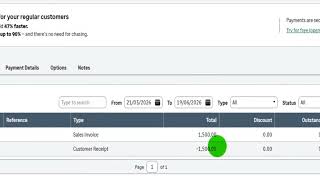
Correcting Transactions in Sage Accounting
140 views
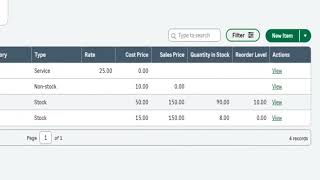
Products and Services on Sage Accounting
88 views
How to Post a Journal on Sage Accounting
154 views
How to Generate and File VAT Returns in Sage Accounting
144 views
How to Record VAT Transactions on Sage Accounting
146 views
Getting Started with VAT Returns - Sage Accounting
128 views