
Build "Task Manager" Mobile App with Kivy Framework / Python
🛍️ Products Mentioned (1)
Hey 👋 In this tutorial we have created a To-Do list application using the KivyMD framework. The application uses a custom dialog box to get task input from the user and adds it to a SQLite database. The saved tasks are displayed in a scrollable list with each item having a checkbox to mark it as complete or incomplete. The list items are also linked to the database primary keys for updating and deleting tasks. The application loads the saved tasks from the database at the start and displays them on the screen. The theme of the application is set to "Orange". The code also includes a date picker that allows the user to select the date for the task. Overall, this code provides a functional To-Do list application that can be extended and customized as per requirements. Let me know if you have any questions. GitHub code : https://github.com/BekBrace/Task-Manager-Kivy Index 👇 _________ Intro 00:00 Setup 01:58 Building the logic 03:13 Building the database 44:16 Testing & Debugging 01:08:37 Outro 01:12:56 ASMR programming channel @ledgerarchive Twitter & IG : @BekBrace Join this channel to get access to perks: https://www.youtube.com/channel/UC7EVSn5inapL20oPSwAwEUg/join
🎬 More from BekBrace

My message for today ! #positivevibes #positivity #code
119 views
C# Programming Crash Course (dotnet-script)
731 views

Code your first Pascal Program | #pascal #programming
456 views
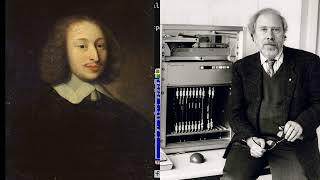
Pascal Programming
996 views

Monads in Haskell | with Functors & Applicatives | #haskell #programming
1.5K views
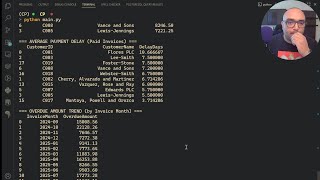
Real life AR Business Tool - Customer Payment Analysis Program in Python #python #pythonprogramming
460 views