
How to Get Started with CapCut? Complete CapCut Tutorial for Beginners
Learn how to get started with CapCut in this beginner-friendly tutorial. We’ll walk you through the interface, show you how to import your first clips, and explain how the timeline works. This is the first video in our complete CapCut series, designed to help you start editing your own amazing videos with confidence and ease right away. 00:00 - Intro 00:34 - Main Part 04:40 - Outro ---------------------------------------------------------------------------------------------- Business mail: mailbeproductive@gmail.com ---------------------------------------------------------------------------------------------- * Music Source: YouTube Audio Library ---------------------------------------------------------------------------------------------- Video you may also like: *https://youtu.be/07WV4XscroA?si=d-Po8SwDvE84tt8M *https://youtu.be/G9aVlSHkIxo?si=y9EjWuoI2vZQcG9L *https://youtu.be/weEHh8o6_go?si=7I3KvXM4c4DOWCve ---------------------------------------------------------------------------------------------- CapCut video editing has quickly become a go-to choice for creators who want a smooth and accessible workflow. With a CapCut tutorial or a CapCut video editing tutorial, even beginners can start shaping content without feeling overwhelmed. The CapCut editing tutorial approach keeps things simple, which makes CapCut for beginners especially appealing. At the same time, video editing for beginners becomes much more approachable when using intuitive tools like this. A proper video editing tutorial or CapCut video editing tutorial for beginners walks through everything from trimming clips to adding effects, helping users build confidence step by step. As video editing continues to grow, CapCut stands out among video editing apps thanks to its balance of simplicity and capability. Whether you are following a CapCut tutorial edit or exploring CapCut editing on your own, the experience feels streamlined. With updates like the CapCut tutorial 2026 and ongoing improvements highlighted in CapCut review 2026, the platform continues to evolve while staying beginner-friendly. Disclaimer: * The following video abides by the YouTube Community Guideline. Footage used in this video is for educational purposes and all the information covered in this video was collected from unofficial sources and assumptions. * Footage, music, images, and graphics used in the video falls under the YouTube Fair Usage Policy Under Section 107 of the Copyright Act 1976. If you have any copyright issues, please contact us. * All Affiliated links in the video description help us support this channel. #capcuttutorial #capcutreview #videoeditingsoftware
🎬 More from Be Productive

5 Best Employee Experience Platforms for Better Team Management
4 views

Top 5 AI Tools for Creating Tutorials and Guides!
37 views
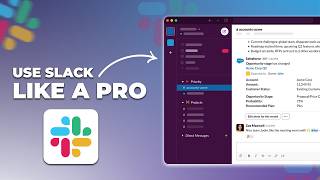
How to Use Slack Like a Pro! Slack Review in 2026
69 views

Pebb - Best Employee Management Platform
63 views
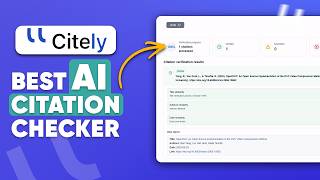
Citation Checker: Spot AI Hallucinations & Find Real Sources
1.9K views
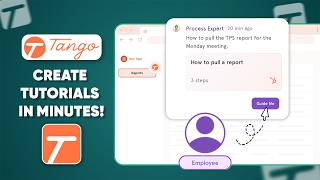
Create Polished Step-by-Step Guides in Minutes with Tango
4.9K views