
How to Prepare & 3D Print Logos with Creality K2 Plus + Creality CFS | Step-by-Step Tutorial
Learn how to prepare and print logos using the Creality K2 Plus 3D printer and the Creality CFS (Creality Filament System). In this step-by-step tutorial, I’ll walk you through: ✅ Preparing logo for 3D printing ✅ Vectorizing the logo ✅ Preparing your .stl file with Tinkercad ✅ Assigning colors in the Creality Print slicer Perfect for beginners and makers who want to print their favorite sports team logos, etc. 📌 What you’ll need: - Creality K2 Plus - Creality CFS - Design software (e.g., Inkscape for vector logos, then slicer) 👉 Don’t forget to like 👍, subscribe 🔔, and comment if you’d like to see more Creality tutorials and 3D printing tips! #Creality #K2Plus #3DPrinting #Logos --------------------------------------------------------------------------------------- Follow me on social media! ► Instagram: https://www.instagram.com/av10nyx ► Facebook: https://www.facebook.com/Av10nyx ► Tiktok: https://www.tiktok.com/@av10nyx --------------------------------------------------------------------------------------- For business inquiries, contact me at djavionyx@gmail.com
🎬 More from Avionyx

Jada Toys Ultra Street Fighter 2 Balrog Action Figure Review
217 views
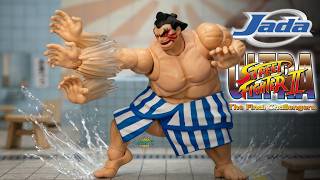
Jada Toys Ultra Street Fighter 2 E. Honda Action Figure Review
299 views
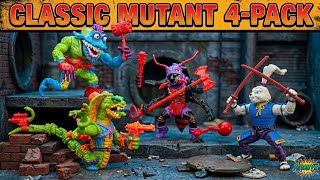
Playmates Toys TMNT Retro Re-release Classic Mutant 4-pack Wyrm, Usagi Yojimbo, Antrax, Scale Tail
285 views
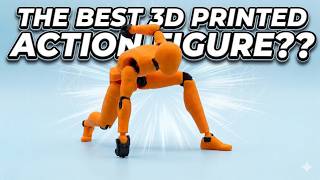
Is This FREE 3D Printable Carbon 13 Figure Any GOOD?!
12.3K views
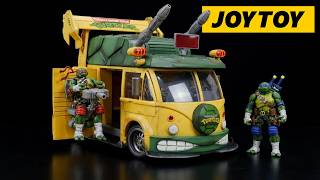
JoyToy TMNT 1:18 Scale Turtle Van Review | Ultimate Teenage Mutant Ninja Turtles
1.4K views
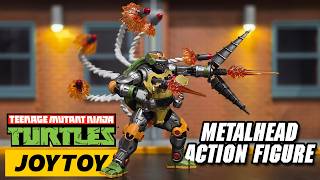
JoyToy TMNT 1:18 Scale Metalhead Action Figure Review | Ultimate Teenage Mutant Ninja Turtles
528 views