
Top 14 New Figma Features that I love
🛍️ Products Mentioned (1)
Figma has released many new features throughout the year, and this video is about my top favorite features. Some of them are AI Features that save ton of design time and some are just long-awaited features. 👉Complete Free Figma Course 2025: https://youtu.be/HoKD1qIcchQ 👉Master Figma Variables 2025: https://youtu.be/425aMhpDTSY 👋 Discord Channel Link: https://discord.gg/tzvEEY7Jja Chapters in this video: 00:00 Intro 00:48 Improved Make Image Feature 04:21 Edit Image Feature 05:49 AI Replace Content 06:51 AI Translate 07:21 New Shortcut Key 08:26 Copy and Duplicate Local Styles 08:49 UI3 Resizable Panels 09:03 Accessibility Color Contrast Checker 11:06 Copy Paste Variables and Reorder Modes and Collections 12:13 New Eyedropper Tool 13:16 Collapse Layers 13:33 Lock Image Aspect Ratio 14:14 AI Auto Rename Layers 14:57 AI Prototyping and Adding Interactions 16:49 Outro 🎯 Want to learn more about Figma? Subscribe to my channel. https://youtube.com/@AverageDesignDude 🚨 Learn more tips and tricks on Figma on my Instagram channel below https://www.instagram.com/averagedesigndude/
About This Video
Frequently Asked Questions
🎬 More from Average Design Dude

Figma Design System + Screens using Claude Code - FULL COURSE
168 views
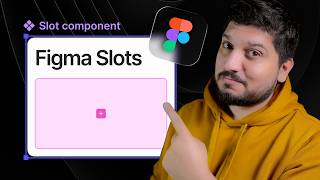
Figma Slots Full Tutorial (Game Changing Feature)
3.9K views
Web Design Process you MUST learn!
498 views
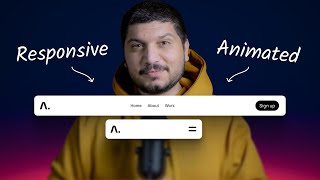
Framer Fully Responsive Navbar (Only video you will ever need)
2.4K views
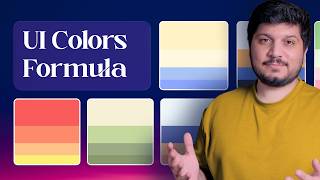
Perfect UI Colors Always
2.0K views
Framer vs Webflow vs Figma Sites - Which is the BEST Web Design Tool?
6.9K views