
99% Designers Make These Mistakes — Do You?
🎨 Common Mistakes in Poster Design | Photoshop Tutorial (Fix Them Like a Pro!) Struggling to make your posters look professional in Photoshop? You’re not alone. In this video, we break down the most common poster design mistakes beginners (and even intermediate designers) make — and show you how to fix them step by step. From poor typography choices to bad color combinations, cluttered layouts, and weak visual hierarchy — learn how to turn your designs into clean, high-impact visuals that actually grab attention. Whether you're designing for social media, ads, or branding, this tutorial will help you level up your design skills using Adobe Photoshop. 🔥 What you’ll learn: Typography mistakes and how to fix them Color combination errors designers make Layout & alignment problems Overuse of effects and filters Creating proper visual hierarchy Pro tips to make your poster stand out 💡 Perfect for beginners, freelancers, and anyone looking to improve their graphic design skills. 🚀 Tools Used: Adobe Photoshop 📌 Don’t forget to: 👍 Like the video 💬 Comment your favorite tip 🔔 Subscribe for more design tutorials #PosterDesign #PhotoshopTutorial #GraphicDesignTips #asmarif
🎬 More from Asm Arif

2026 Best Free Metadata Generator🔥 | Micro stock vendors
1.1K views

How to Make AI Videos for Kids – Step-by-Step Guide for Beginners (Easy & Fun!)
1.1K views

How I Made Viral T-Shirt Designs Using AI Tools
447 views
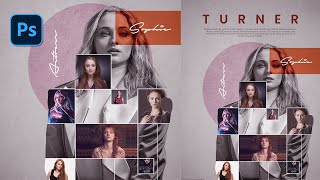
How to Make a Creative Photo Collage in Photoshop (Beginner to Pro)
5.3K views

AI-Powered 3D Typography Tutorial
555 views
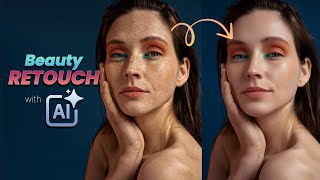
AI Beauty Retouch Masterclass | AI-Powered Beauty Retouch 2025
678 views