
Remove background in seconds - Photoshop Tutorial Anthony Lam Photography Edits
🛍️ Products Mentioned (8)
This tutorial will demonstrate how to remove backgrounds in images within seconds using the blend if function, without the blend if function you could find yourself manually selecting minuscule objects such as hair and wasting enormous amounts of time. This tutorial includes the use of layering, masking, brush tool, blend if, and duplicating layers. Social Media IG: https://www.instagram.com/photoshoping_tutorials/ FB: https://www.facebook.com/AnthonyLamPhotography Twitter: https://twitter.com/PhotoshopEdit_ Tumblr: https://photoshop-edits.tumblr.com/ —————————————————————- My Equipment / Setup ➡️ Graphics Tablet (Standard) - https://amzn.to/3AIPrIB Graphics Tablet (Pro) - https://amzn.to/3g64jXU Keyboard - https://amzn.to/3AIPXGx Mouse - https://amzn.to/3AI36jc Headset - https://amzn.to/3r70yrI MacBook Pro - https://amzn.to/34gaG8w Ergonomic Chair - https://amzn.to/3AFiiNY —————————————————————- Thanks for watching please leave a like and subscribe and also comment below if you have any questions thank you
🎬 More from Anthony Lam
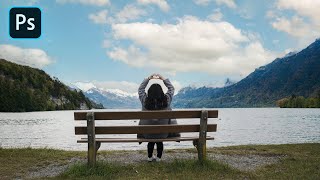
How To Animate Clouds Using Photoshop
7.4K views
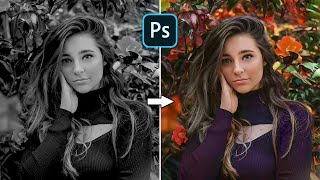
Restore Black And White Photos With This Amazing Website
7.1K views
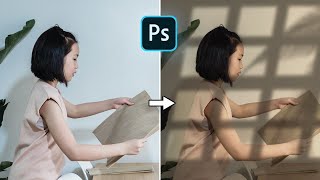
Window Light Effect | Photoshop 2023 Tutorial
4.3K views
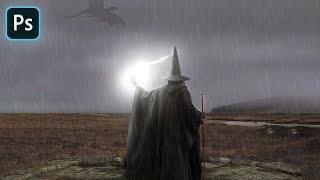
Wizard Vs Dragon | Photoshop Manipulation Artwork 2022
1.9K views
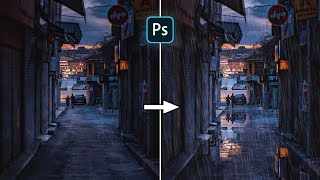
Create Realistic Reflective Puddles | Photoshop 2022 Tutorial
10.8K views
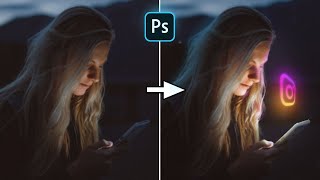
Photoshop | How To Create 3D Glowing Social Media Icons
3.4K views