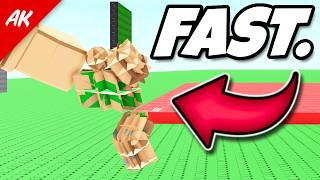
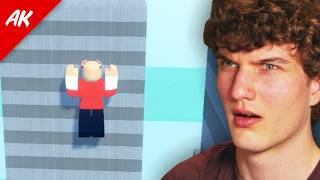
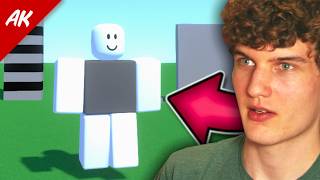
How To Clip Through Walls With No Emotes
🛍️ Products Mentioned (9)
Avatarology
Head
Torso
Legs
Animation (just for idle)
Game
AlexKaboom Discord Server
Glitch Community Discord
Donate
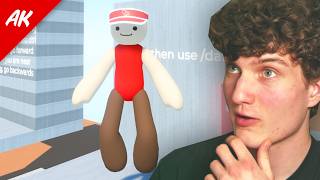
In this video we will show you how to clip through walls with no emotes (idle wall clip) 🔥Expand me🔥 Avatarology: https://discord.gg/32UeemUK9q Max Stud Avatar Head: https://www.roblox.com/bundles/446/Gothic-Gargoyle Torso: https://www.roblox.com/bundles/337125/Crab-Walk Legs: https://www.roblox.com/bundles/254635305231958/Thin-Puffiest-Classic Animation (just for idle): https://www.roblox.com/bundles/75/Ninja-Animation-Package 5.1 stud avatar is same thing just no head Body scaling: (for both avatars) 105% height 100% width 100% head 0% proportions 100% body type Game ► https://www.roblox.com/games/6484006319/Alexkabooms-Glitch-Zone AlexKaboom Discord Server ► https://discord.gg/Uja5a9j Glitch Community Discord ► https://discord.gg/YvbuWggPC6 Donate: ► https://paypal.me/alexkaboompaypal?country.x=CA&locale.x=en_US Contact me! ► alexkaboom22@gmail.com Gear I use: Headphones: Linsoul SIMGOT EW300 Mouse: Logitech G203 Mic: Shure SM7B w/ Fethead Mouse Pad: Skypad 3.0 Glass Pad Wrist Pad: Redragon Keyboard Wrist Rest Pad Audio Interface: Quantum ES2 Keyboard: Wooting 60HE PC: PC Case: Corsair Carbide Series 175R GPU: RTX 3060 CPU: Intel Core i5-12600K RAM: Corsair CORSAIR VENGEANCE RGB DDR5 32GB 6000MHz Motherboard: ASUS TUF GAMING B760 CPU Cooler: Cooler Master Hyper 212 Black Power Supply: CORSAIR VS Series, VS500 500 Watt SSD: 2 of Kingston SATA and 2 sticks of WD_BLACK 1TB (M.2 SSD) Settings: Shift lock Switch: On Camera Mode: Default (Classic) Movement Mode: Default (Keyboard) Camera Sensitivity: 0.3 Mouse DPI: 800 DPI #ReturnCornerClips #robloxspeedrun #robloxglitch