
Midjourney V8 Rating – A Surprising Insight Into Training Images
The Midjourney V8 Rating Party – A Look at the Training and Feedback Process Midjourney invited the community to rate V8 training images, so I sat down with coffee, patience, and a lot of clicks. What was supposed to be a quick task turned into a full hour of ranking, skipping, and clicking through thousands of images that are deliberately plain, unopinionated, and sometimes outright weak. These images are not meant to show what the upcoming model will look like. They exist purely for training and feedback, helping the system learn what the community responds to and what it doesn’t. This perspective is shaped by working across multiple image platforms, where quality, ideas, and creative intent are becoming easier to read and compare with every new release. This is not a tutorial and not a preview of Version 8. It’s a personal perspective on the rating workflow, image quality during training, and what actually happens when community feedback is gathered long before a new model is released. Repetitive at times, occasionally frustrating, often strange, but also revealing if you pay attention to how these systems are shaped behind the scenes. --------------------------- Chapter 00:15 – Get Started: Midjourney V8 Rating 01:02 – Tasks: How to Help Calibrate the AI 04:00 – Tasks: How to Earn Fast Hours --------------------------- More topics you might like MOTION CONTROL in Kling 2.6 – Full Beginner Tutorial https://www.youtube.com/watch?v=O-WFLK3em5I&list=PLJGGabHvBEu3ys5hjioaZL9tsfOBTACiz&index=8 One Image to Movie – Building a Complete Film from a Single Frame https://www.youtube.com/watch?v=54oRIrD0_UA&list=PLJGGabHvBEu3ys5hjioaZL9tsfOBTACiz&index=4 Midjourney V7: Once Upon a Prompt – Was V1 the Golden Age? https://www.youtube.com/watch?v=x8ocbjDpkMw&list=PLJGGabHvBEu3ys5hjioaZL9tsfOBTACiz&index=54 --------------------------- *Disclaimer This video is an independent journalistic report and product test. The brand names and logos shown are used only to identify the products being reviewed. They do not imply any official partnership, endorsement, or sponsorship. Always follow each platform’s content guidelines when creating prompts. All usage is at your own discretion. This video reflects the platform’s functionality and interface at the time of recording. Any later changes to pricing, features, or user experience may not be shown here. When possible, relevant updates will be noted in the description. This tutorial also serves as a showcase of what I was able to create using the software. There is no guarantee it will work the same way for others – even when using identical parameters. If something doesn’t work as expected or you encounter errors, please contact the platform operator directly. Just to be clear – this channel does not support using copyrighted material without permission. That includes music, sounds, voices, video clips, photos, and anything else you don’t fully own or have a license for. If it’s not yours – don’t publish it. Always check with the rights holder first. Images created using Google Nano Banana Pro, Midjourney web app and others. MIDJOURNEY™ is a trademark of Midjourney, Inc. We are not endorsed by or affiliated with Midjourney, Inc. For clarity, I am not affiliated with or representing Freepik in any capacity, nor do I support their platform. Voice-over: English AI narration for clarity and consistency. #Midjourney #MidjourneyRating #AIImage #Rating #CommunitySupport #AINews #ImageGeneration
🎬 More from AI. Now Y'Know
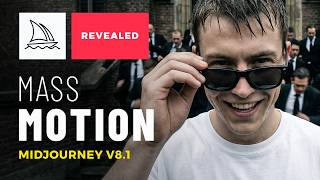
Midjourney Video V8.1 + ChatGPT + Nano Banana Pro - An AMAZING Power Trio
520 views
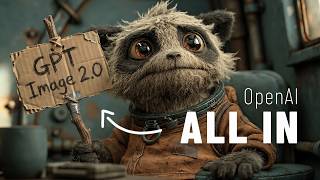
GPT Image 2 - Not Just Images, OpenAI Goes All In
3.1K views
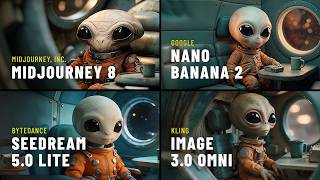
Midjourney V8: The ULTIMATE Comparison
3.9K views
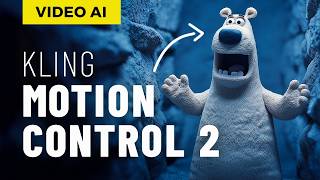
STOP Writing Prompts – Use Kling Motion Control
20.7K views
I Fed NotebookLM My Full Book – THIS happened
27.7K views
Seedream 5 vs Nano Banana Pro – Which Image AI Should You Choose?
3.7K views